We all have been following the breaking news on the fast-spreading WannaCry ransomware affecting globally hundreds of thousands PC systems around the world, and are wondering what is this virus and whether your computer system and data might be at risk. WannaCry, like any ransomware is a computer virus that usually spreads via spam emails and malicious download links. The virus is designed to lock up computer files and the ultimate goal is to blackmail the affected user until the victim pays the ransom demand, usually $300-$500 in Bitcoins.
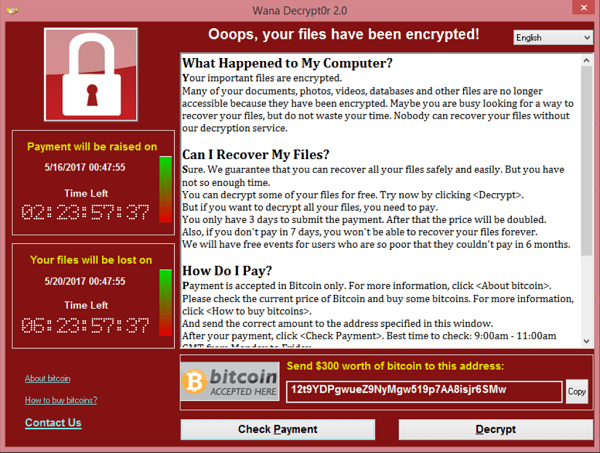
WannaCry is especially malicious because it spreads itself and doesn’t even require the user to click any link or open a file. Now most of us wonder how to make your system and data secure.
Planning your data protection and recovery strategy is essential to any PC user. This awareness guide will help you be cautious and save your valuable data on PC from WannaCry or any other potential ransomware threat. In addition to installing anti-virus software like Kaspersky or similar solutions, every PC user should implement stringent backup controls with snapshots to increase safety from attacks and prevent possible data loss. Since this widely spread global cyber-attack is just one of many to hit users, reliable system and data backup is always the key to protect against such malware threats.

1. Backup your computer with the reliable backup solution.
2. Update your Windows OS with Microsoft’s latest fix.
3. Be careful of opening any unknown emails, websites and apps.
4. Use anti-virus protection software in conjunction with a firewall.